
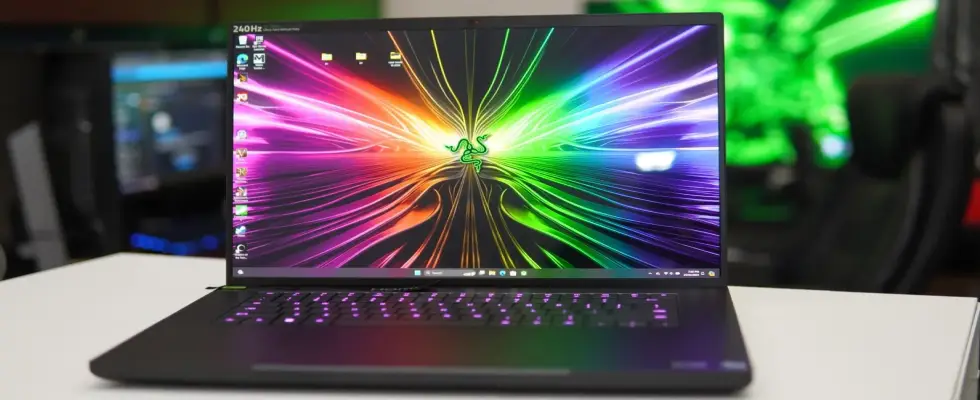
Razer Blade 16 Review: A Premium Gaming Laptop
The Razer Blade 16 (2025) combines high-end gaming performance with professional capabilities through its powerful design. This laptop combines advanced hardware along with a modern design and a display dual-mode system which supports high resolution alongside fast refresh rates. The Razer Blade 16 (2025) presents notable drawbacks through its expensive price point, its short battery run and noticeable fan operations.
The review examines the Razer Blade 16 (2025)s design elements, displays and performance capabilities in addition to thermal management, battery life, connectivity ports and microphones, along with camera and overall value assessments to help consumers determine if it meets their needs.
1. Design and Build Quality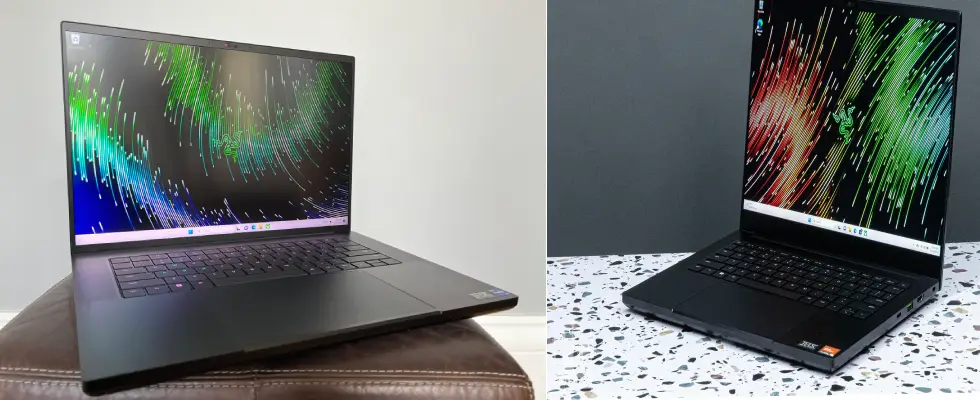
The Razer Blade 16 adheres to traditional Razer design principles through its black aluminum frame for delivering premium professional aesthetics.
Key Features of the Design:
Its compact design allows this high-performance gaming laptop to achieve 0.87 inches of thickness while staying at 5.4 lbs weight.
The RGB Keyboard provides personalizable RGB lighting across each key but comes with shallow key travel that makes typing challenging.
The touchpads glass surface feels perfect for precise control but requires users to adjust their touchpoints before feeling comfortable.
The Razer logo on the lid shines with green backlighting to create an unmistakable style of gaming gear.
2. Display: Dual-Mode Mini LED Panel
Through its dual-mode display system, users can easily switch between two screen modes:
UHD+ (3840x2400) at 120Hz ? Ideal for content creation and ultra-high-quality visuals.
FHD+ (1920x1200) at 240Hz ? Best for fast-paced gaming with ultra-smooth motion.
Other Display Features:
Mini LED displays deliver deeper black levels and more vibrant colors than regular LCD screens.
HDR functionality delivers superior color quality and contrast in compatible gaming and content titles.
The screen delivers 1,000 nits brightness for optimal viewing both inside and outdoors.
Transitions between modes force a system restart which proves unpleasant for users.
Also check out the link - TataCLiQ Coupons.
3. Performance: Built for High-End Gaming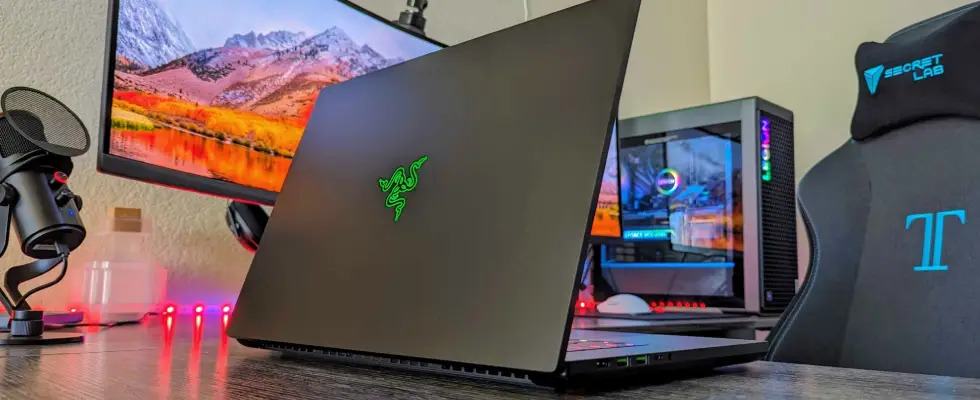
The Blade 16 delivers exceptional gaming performance with the strongest laptop specifications available for gaming.
Key Specifications:
Processor: AMD Ryzen AI 9 HX 370
Graphics Card: NVIDIA RTX 5090
RAM: 32GB DDR5
Storage: Up to 2TB PCIe Gen 4 SSD
Performance in Games and Applications
This laptop pairing delivers superb 4K gaming performance with rapid application processing thanks to its RTX 5090 and Ryzen AI 9 HX 370 processors.
Smooth 4K gaming at high settings
Users enjoy faster video creation and 3D design rendering performance thanks to the systems processing capabilities.
Great multitasking performance for professionals
Benchmark Scores:
Geekbench 5:
Single-core: 1962
Multi-core: 14,733
Cinebench R23:
Multi-core: 18,167
Note: Despite its impressive capabilities, the Blade 16 faces competition from devices that match its power but cost less.
4. Cooling System: Vapor Chamber Cooling
Vapor chamber cooling helps the Blade 16 maintain optimal heat control during intensive use.
Cooling Pros and Cons:
The internal cooling system prevents the system from overheating during extended gaming sessions.
Well-distributed heat management across the chassis.
Heavy usage triggers loud fan activity that interrupts your focus.
When used intensely the keyboard area on this model gets uncomfortably warm.
5. Battery Life: Limited for a Gaming Laptop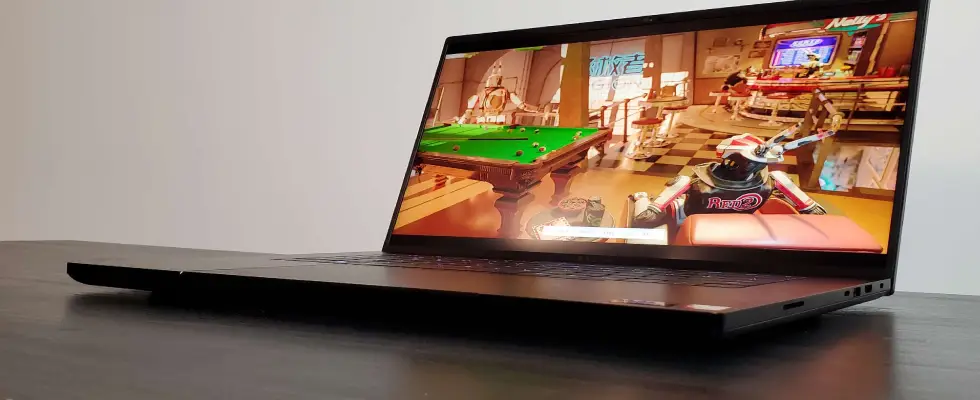
Gaming laptop users have long faced battery problems, and the Blade 16 continues this trend.
Users can expect approximately 5.5 hours of battery life while they surf the web and watch videos.
The gaming time on battery is limited to 2–3 hours because the system components drain power rapidly.
You can reach a 50% battery capacity from zero using the devices fast charging feature within 30 minutes.
Tip: Plan ahead by keeping your charger accessible when you expect your gaming time will exceed 2–3 hours.
Read more - Value List Price Of Old Indian Coins
6. Ports and Connectivity
The Blade 16 includes a range of ports that provide users with flexibility when gaming alongside professional tasks.
Ports Available:
2 x USB-C (Thunderbolt 4)
3 x USB-A
1 x HDMI 2.1 (Supports 4K external displays)
1 x SD Card Reader (Great for photographers and video editors)
1 x Ethernet Port (For stable wired internet connection)
Good to Know: Future upgrades are facilitated through the Thunderbolt 4 port, which enables connecting to external GPUs.
7. Audio and Webcam: Decent but Not the Best
Audio Performance
6-Speaker System: Offers clear and loud sound.
Casual audience members will appreciate the sound quality due to its deep bass and crisp, high tones.
The speakers on competing laptops deliver better audio performance than the Blade 16.
Webcam Quality
A video call quality of 1080p provides both high clarity and sharp images.
Users can authenticate their system with Windows Hello Support by using facial recognition for fast and protected access.
Verdict: The built-in speakers work well for streaming and video calls, yet users who need professional audio/visual output should use external peripherals.
8. Price and Value: Is It Worth It?
At $4,500, the Blade 16 positions as one of the highest-priced gaming laptops currently available.
Is It Worth the Price?
Best-in-class display
Top-tier gaming performance
Premium build and aesthetics
Expensive compared to similar laptops
The battery run-time and fan noise levels could use improvement in the product design.
Alternative Laptops to Consider:
Asus ROG Strix G18 – Similar performance, lower price
The Lenovo Legion 9i provides enhanced cooling features along with cost-effective benefits compared to other laptops.
MSI Titan GT77 HX – Comparable specs, larger screen
Recommendation: The Blade 16 stands among the top gaming laptop options for users with flexibility around their spending.
If you are planning to buy this laptop then check out Amazon India coupon code for best discount.
Final Verdict: Should You Buy the Razer Blade 16?
Who Should Buy It?
The Razer Blade 16 appeals to gamers who demand peak performance together with dual-screen functionality.
Content generators looking for a high-resolution display as part of their workflow
Laptop seekers are seeking both high-performance and professional looks.
Who Should Skip It?
? Users on a budget – There are cheaper alternatives with similar power.
? Those needing long battery life – Expect frequent charging.
? Users sensitive to fan noise – The cooling system can be loud.
Final Thought: If money is not a concern, the Blade 16 is an excellent choice for gamers and professionals who want power, portability, and premium quality.

Get up to 75% OFF on Ethical Beauty Products
Get up to 75% OFF on Ethi ...

Sports Nutrition – Get up to 67% OFF on Your Purchase
Sports Nutrition – Get ...

1 Plus 1 Offer – Get Two Pizza At Rs.99 Each
1 Plus 1 Offer – Get Tw ...

Get 20% Discount on LUX PARKER Men Regular Fit Undershirt.
Get 20% Discount on LUX P ...

Get 71% Discount On Men & Women Boy & Girl-Cotton Regular Fit Half Sleeves T-Shirts.
Get 71% Discount On Men & ...